Datile Data Transfer
- Transfer data between iPhone, iPad, Android, Mac, and Windows PC in one click
- Easy to use, no technical skills required
- Manage photos, music, contacts, messages, and more
- Full compatibility with 8,000+ mobile devices
 Download
Windows 11/10/8/7
* 100% Secure and Risk-Free
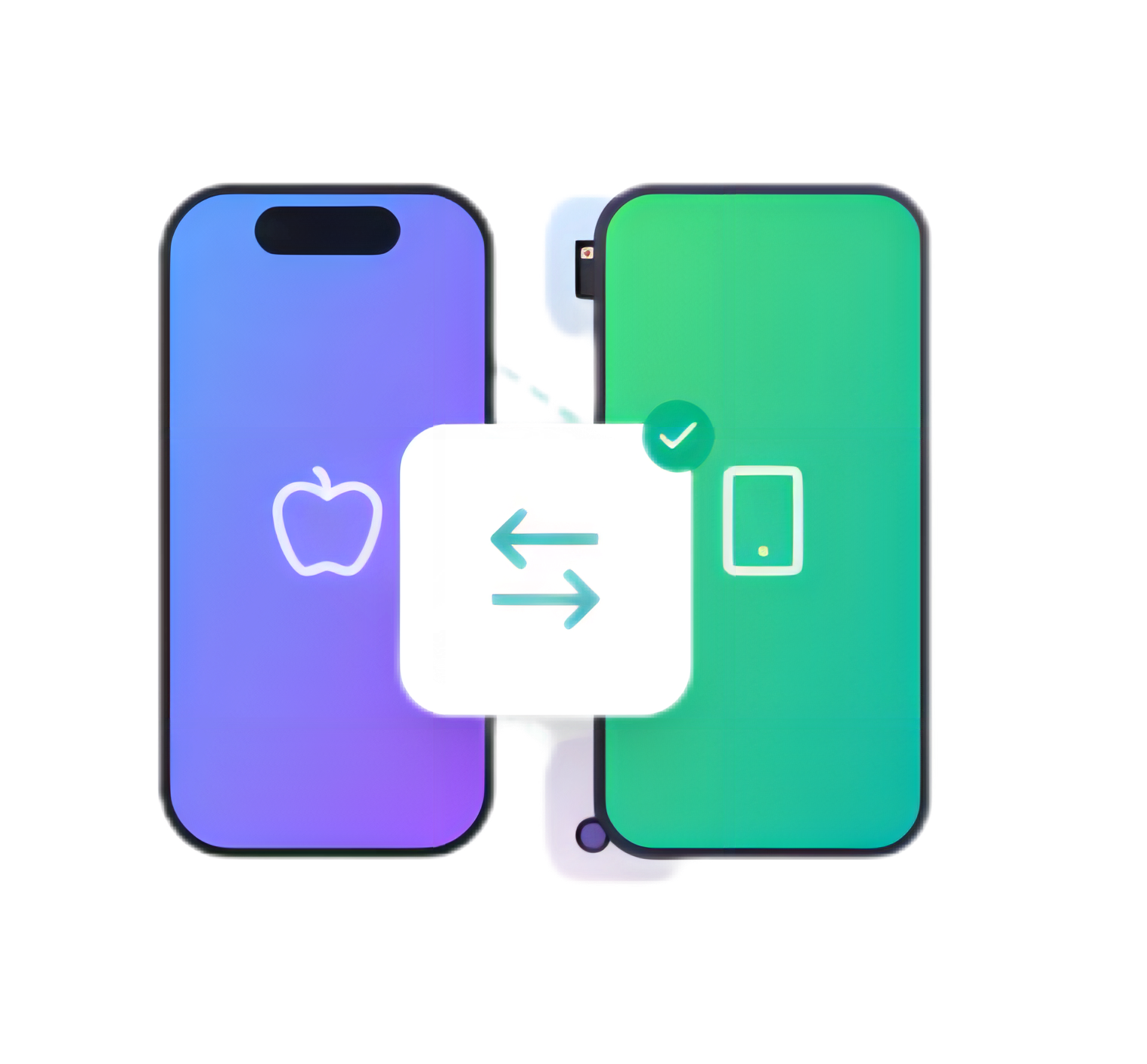
Seamless Data Transfer Between Phones
Transfer photos, videos, music, contacts, messages, and more between any iOS and
Android devices.
One-click solution for all your phone data transfer needs.


Between Android and iOS
Seamlessly transfer data between Android phones and iPhones/iPads without any data loss or quality reduction.
Between iOS and iOS
Quick and easy transfer between iPhones, iPads, and iPod touch devices with just a few clicks.
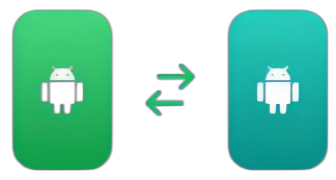
Between Android and Android
Transfer all your data between any Android devices from different manufacturers effortlessly.
Effortlessly Manage Your iOS and Android Devices
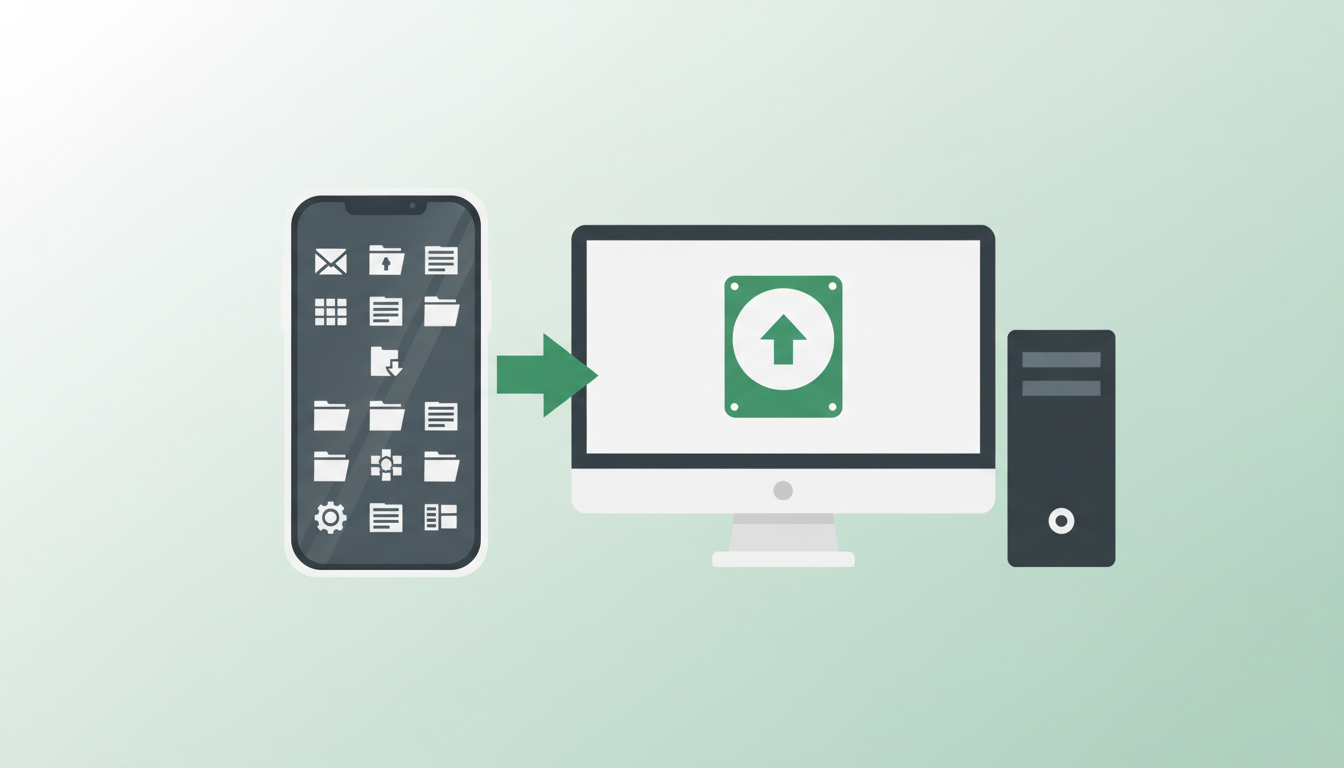
 Choose and Back Up Phone Data to PC
- With Datle Data Transfer, you can selectively backup photos, music, videos, and other files from iOS/Android phone to PC or Mac
- Preview and select specific files to backup
- Backup data without iTunes or iCloud restrictions
- Keep your data safe with encrypted backups
 Unlimited PC-to-Phone Data Transfer
- It also allows you to restore the data from backup files or transfer files from PC/Mac to any iOS/Android phone
- No file size limits for transfer
- Transfer at lightning-fast speed via USB
- Works with 8,000+ mobile devices
Easy Contacts
Merge duplicate contacts, backup & restore contacts, import/export contacts easily.
Quick Playlists
Create, edit, and manage music playlists. Transfer music between devices and PC.
Smart Photos
Organize photos into albums, convert HEIC to JPG, and transfer photos seamlessly.
Utilities
Powerful built-in tools to help you manage your phone data more efficiently
Ringtone Maker
Make the best iPhone ringtone with your favorite audio and music.
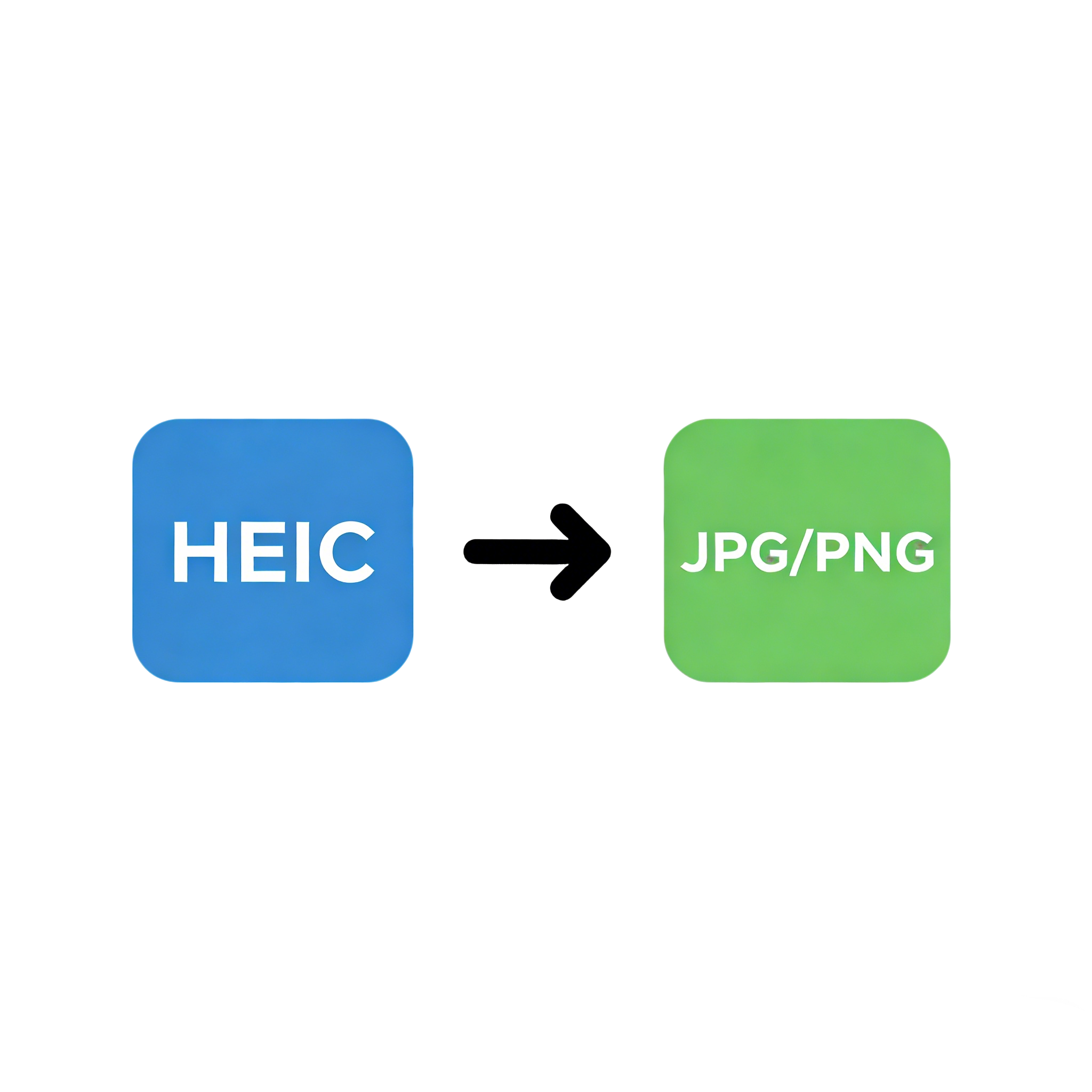
HEIC Converter
Convert HEIC/HEIF to JPG or PNG format for easy sharing and viewing.
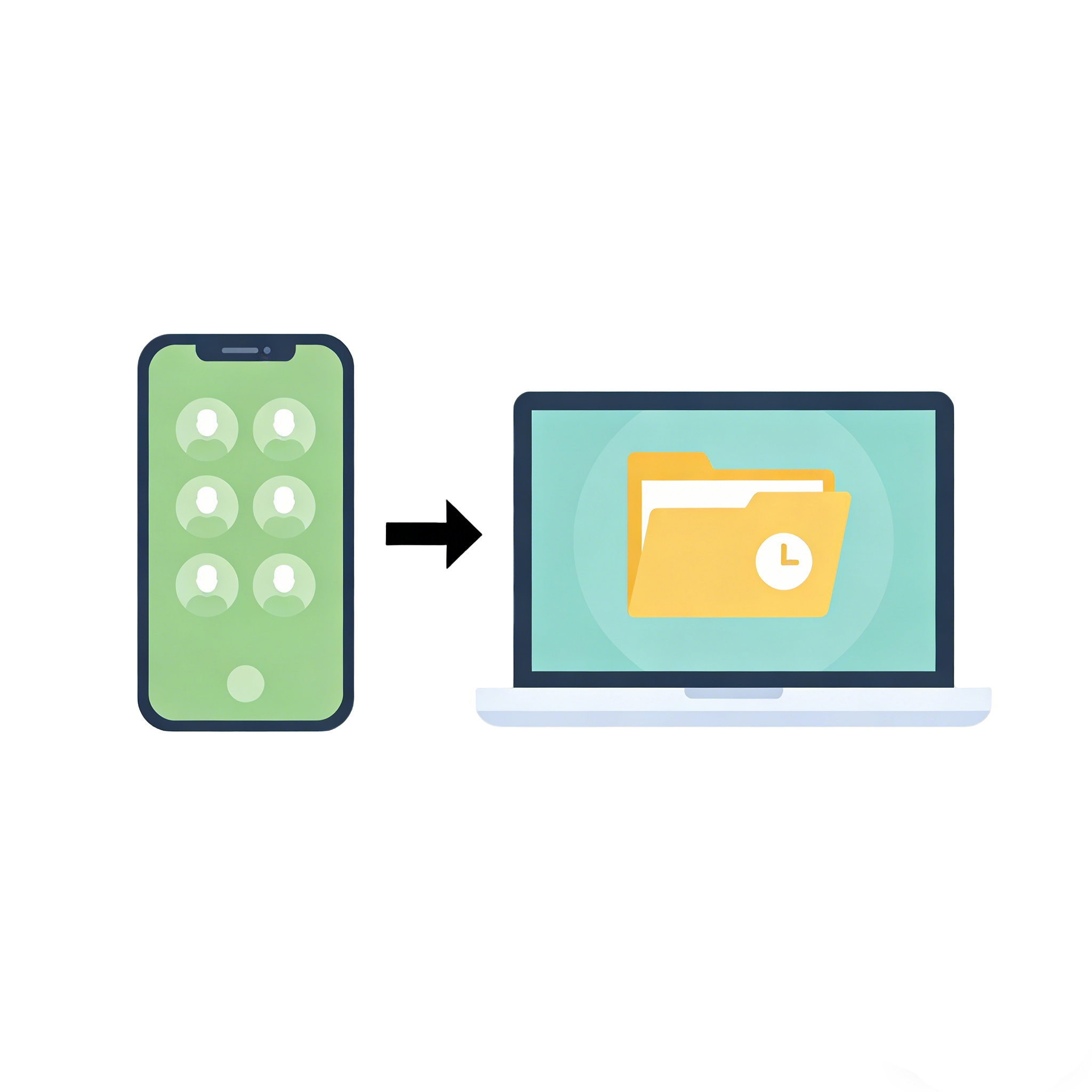
Contacts Backup
Back up your contacts to a safe location on your computer. Never lose your important contacts again.
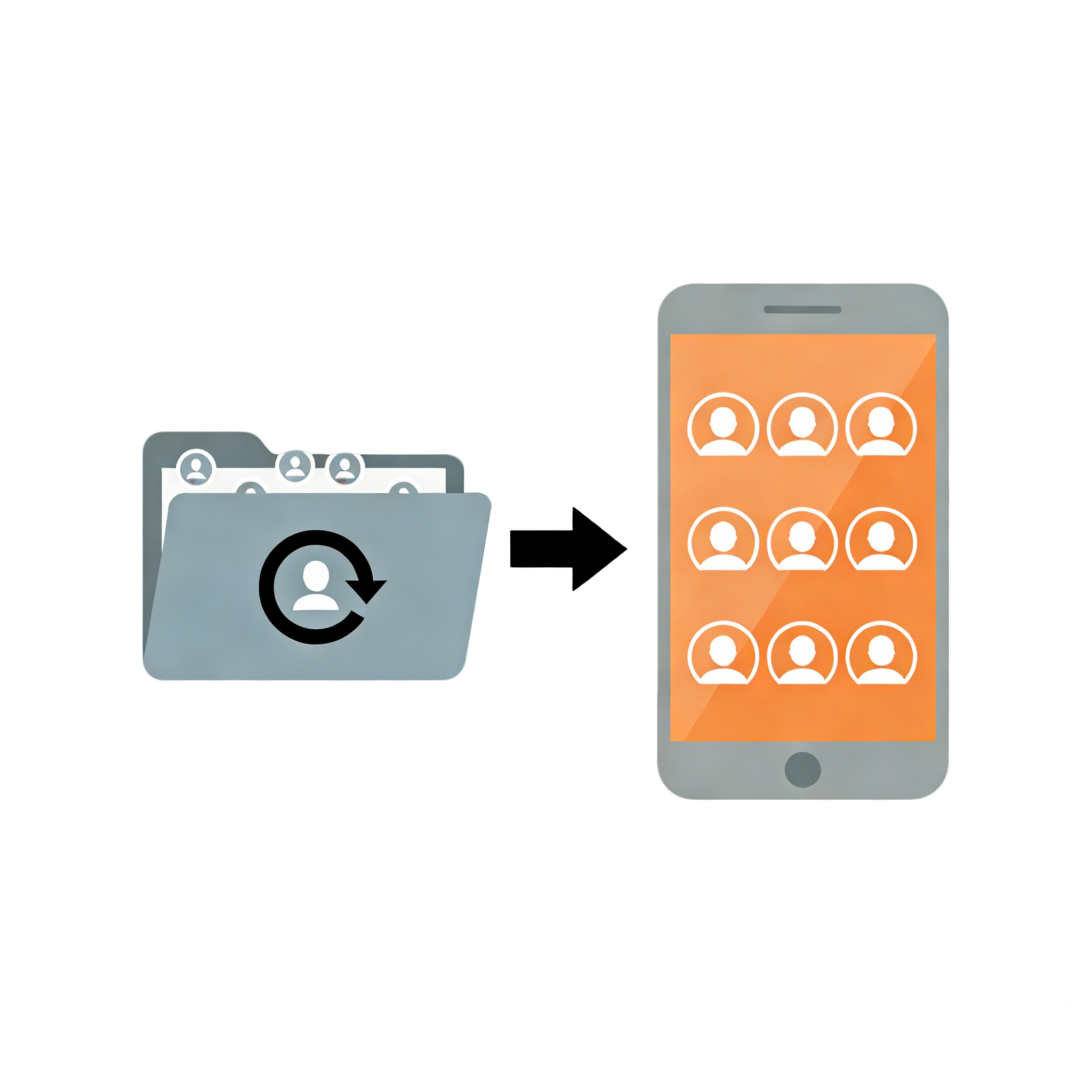
Contacts Restore
Restore your contacts from backup files. Get back contacts you accidentally deleted.
Why Choose Datle Data Transfer
The most reliable and feature-rich phone transfer solution for all your needs
Across Platforms
Transfer data between iPhone, iPad, Android phones, Windows PC, and Mac seamlessly without any compatibility issues.

All-in-one
One software to transfer, backup, restore, and manage all your phone data including photos, videos, music, contacts, and more.

Selectively Transfer
Preview and select exactly which files you want to transfer. No need to transfer everything - choose only what you need.

Wireless Transfer
Support both USB cable and Wi-Fi wireless transfer. Transfer data without cables when USB is not available.
Tech Specification


Recommended by Media and Users
"Switched from my old iPhone 11 to a Samsung Galaxy S24. I was worried about losing my contacts and photos during the transfer. Datle moved over 8,000 photos and all 1,200 contacts in about 45 minutes. A handful of Live Photos didn't convert perfectly, but the vast majority transferred without any issues."

Jennifer Collins
HR Manager
"As a tech reviewer, I've tested many phone transfer tools. Datle stands out for its simplicity and reliability. The selective transfer feature is a game-changer - I can pick exactly what I want to move without cluttering my new device. Highly recommended for anyone switching phones."
Raj Patel
Tech Journalist
"I was skeptical at first, but Datle made my Android to iPhone transfer incredibly smooth. All my WhatsApp messages, photos, and contacts were perfectly preserved. The best part? No technical knowledge required - just connect and click. Worth every penny!"
Sofia Martinez
Marketing DirectorPhone Transfer Tips You Can’t Miss
Cross-Platform iPhone & Android Data Transfer
Frequently Asked Questions
Yes, seamless cross-platform migration is our core strength. Unlike official tools that often have strict OS version requirements, Datle Phone Transfer supports bi-directional migration between Android and iOS, iOS to iOS, and Android to Android. We bypass the usual compatibility barriers to ensure that your switch to a new phone is effortless, regardless of the brand or OS.
Our engine is designed for "Full-Content Migration." This goes beyond just contacts and photos. Datle can transfer messages, call logs, calendar events, music, voice memos, and even your custom wallpaper settings. We also feature a specialized App Gallery Transfer that helps you identify and install the iOS equivalents of your previous Android applications.
Absolutely. We have integrated a Dedicated Social App Migration module. Unlike the standard "Move to iOS" app which can be temperamental with large databases, Datle handles the migration of WhatsApp, WhatsApp Business, and WeChat history with high precision. This includes all text threads, images, videos, and shared documents, ensuring your business and personal conversations remain intact.
Datle utilizes a Smart Deduplication & Verification algorithm. Before the transfer begins, the software analyzes the destination device to identify existing entries. During the process, it performs a bit-by-bit verification to ensure every file is copied accurately. This ensures a "Clean Migration"—you won't end up with triple-entry contacts or fragmented photo albums.
While we support wireless transfer for convenience, we highly recommend our Ultra-Stable Wired Connection mode for large data volumes. By connecting both phones to your computer via USB, you can achieve transfer speeds up to 10x faster than Wi-Fi. This method also eliminates the risk of data corruption caused by signal fluctuations or network timeouts during the migration of 100GB+ libraries.
We offer two flexible modes: "Merge" and "Replace." The "Merge" mode allows you to add data from your old phone to your new one without deleting anything already present on the destination device. The "Replace" mode is ideal for those who want a completely fresh start with only their old data. This level of control ensures you are always in charge of your device's storage.
