
Datile Computer Recovery
- Works with 2000+ storage devices including computers, USB drives, SD cards, external hard drives, SSDs, and more.
- Retrieves 1000+ file types such as photos, documents, text files, audio, and emails.
- Restores deleted or lost data caused by formatting, virus attacks, system crashes, and other scenarios.
- Offers 2 scan modes: quick scan for speed, deep scan for comprehensive recovery.


* 100% Secure and Risk-Free
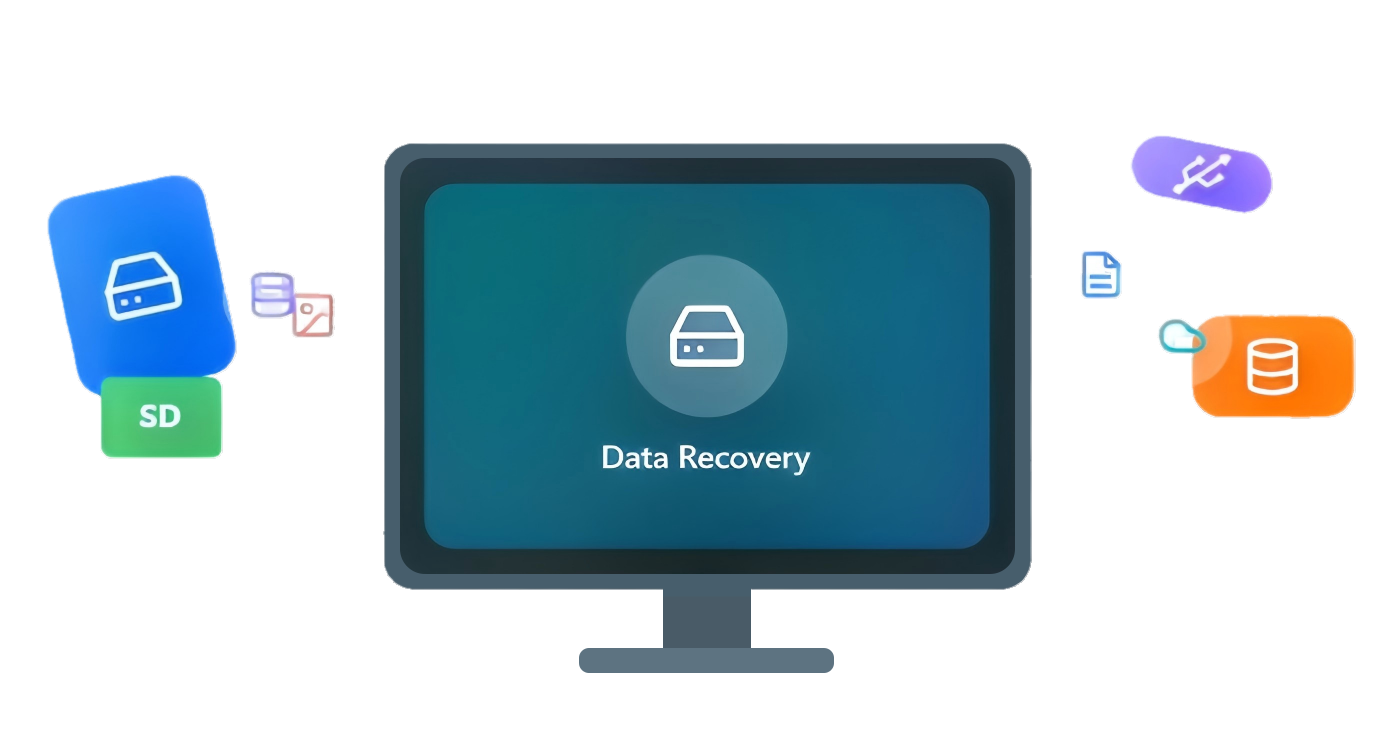
Recover Lost Data in Any Situation
Datile Computer Recovery can retrieve lost files from your PC or external drives under any circumstances—accidental deletion, virus attacks, system crashes, formatting errors, or partition loss—helping you get your data back quickly and safely.


Recover Files from a Wide Range of Devices
Datile can restore lost or deleted data from more than 2,000 types of storage devices, including PCs, laptops, external hard drives, USB drives, memory cards, digital cameras, and other removable media. No matter where your files were stored, Datile helps you get them back quickly and safely.


Bring Back Files of Every Kind, Without Losing Quality

Restore photos and graphics in formats like JPG, PNG, GIF, BMP, TIFF, PSD, RAW, SVG, and more.

Recover Word, Excel, PowerPoint, PDF, HTML, CSV, RTF, TXT, EPUB, and other document types.

Retrieve video files including MP4, AVI, MOV, MKV, M4V, FLV, WMV, 3GP, VOB, MPEG, TS, and more, keeping the original quality intact.

Recover emails and attachments from MSG, EML, PST, OST, MBOX, and archive formats like ZIP, 7Z, RAR, ISO, TAR, and others.

Restore music and sound files such as MP3, M4A, WAV, WMA, APE, MIDI, AAC, OGG, and more.

Support for CGI, PHP, ASPX, JSP, MHT, LDB, and many other miscellaneous file formats.
Powerful and Flexible Recovery

Quick Scan & Deep Scan
2 flexible scan modes: the easy-to-use quick scan mode and deep scan mode are available. The former allows you to swiftly scan your computer, and the latter gives you a more thorough scan with full depth.

Preview Before Recovery
This free data recovery software allows you to fully recover your file types, to verify the files before recovery, just preview them in advance for data recovery.

Flexible Recovery
The only way to protect the lost files is to stop operating your computer after the data loss accident happens. Datile lets you easily recover the data without worrying about losing it again.
Tech Specification
 Supported Storage Devices
- Windows PC (Disk/Partition)
- SD/Memory cards
- USB flash drives/Pen/Thumb drive
- SSD/HDD/External hard drive/External drive
- Memory Cards
 Supported System and Language
- Operating systems: Windows 11/10/8.1/8/7/Vista/XP (32-bit or 64-bit)
- macOS 10.13 or later, supports up to macOS 26, Apple M1/M2/M3/M4/M5 compatible
- File systems: NTFS, exFAT, FAT(FAT16, FAT32), HFS+, APFS
Recommended by Media and Users

"I accidentally quick-formatted my external 2TB drive that had my entire photography portfolio. I was devastated. Datile found most of my RAW files from the past 3 years—around 15,000 photos recovered successfully. About 200 files had some corruption issues, but honestly that's a small price for getting the rest back."

Lisa Zhang
Wedding Photographer


Hot Tips & Tricks
 Computer Data Recovery
Feb 11, 2026
Computer Data Recovery
Feb 11, 2026
Understanding APFS & NTFS File System Constraints in Data Access
Read More → Computer Data Recovery
Feb 11, 2026
Computer Data Recovery
Feb 11, 2026
The Evolution of Data Recovery: From Floppy Disks to Cloud-Integrated AI
Read More → Computer Data Recovery
Feb 11, 2026
Computer Data Recovery
Feb 11, 2026
The Role of Metadata in Device Partition Recovery: A 27-Year Perspective
Read More → Datile Computer Recovery
Frequently Asked Questions
Datile Computer Recovery
Data Titan to Recover Unlimited Data with 98.6% Success Rate